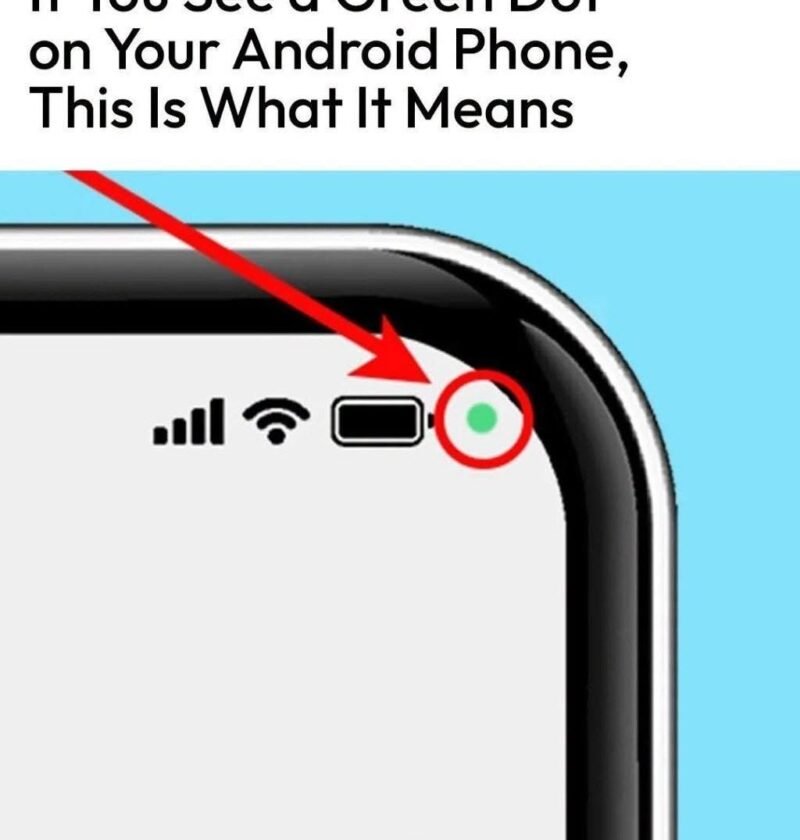
The headline “The green dot in the upper right corner of your Android might seem confusing, but don’t worry…” is a classic piece of tech anxiety bait. It’s designed to make you glance nervously at your screen and wonder if someone is spying on you.
In reality, that little green dot is not a glitch, a virus, or a secret hacker—it is actually a built-in privacy feature designed to protect you.
What Is the Green Dot?
Introduced in Android 12 (and built into all modern versions since), the green dot is a hardware privacy indicator.
-
The Meaning: It lights up in the top right corner of your screen whenever an app is actively using your camera.
-
The Orange/Amber Dot: You might occasionally see an orange or amber dot instead; that means an app is actively using your microphone.
Why Is It There?
Before this feature existed, apps could potentially access your camera or microphone in the background without your knowledge. Android added these glowing status bar indicators to give you absolute transparency and control.
When you open your camera app, join a video call, or record a voice note, the dot appears immediately. The moment you close the app or stop using the camera/mic, the dot disappears.
How to Check Which App Is Using Your Camera
If you notice the green dot and aren’t sure which app is triggering it, you can find out in seconds:
-
Swipe down from the top of your screen to open your Quick Settings / Notification panel.
-
Look right at the top near the green dot; you will see a small icon or text snippet showing which app is currently accessing your camera (for example, Camera, WhatsApp, or Instagram).
-
If an app is showing the green dot when you aren’t actively using it, you can tap the privacy indicator or go into your Settings > Privacy > Permission Manager to revoke camera access for that app immediately.
🛡️ The Takeaway:That little green dot is your phone’s way of keeping you informed. Instead of being something to worry about, it’s a helpful security guard letting you know your privacy settings are working exactly as intended.