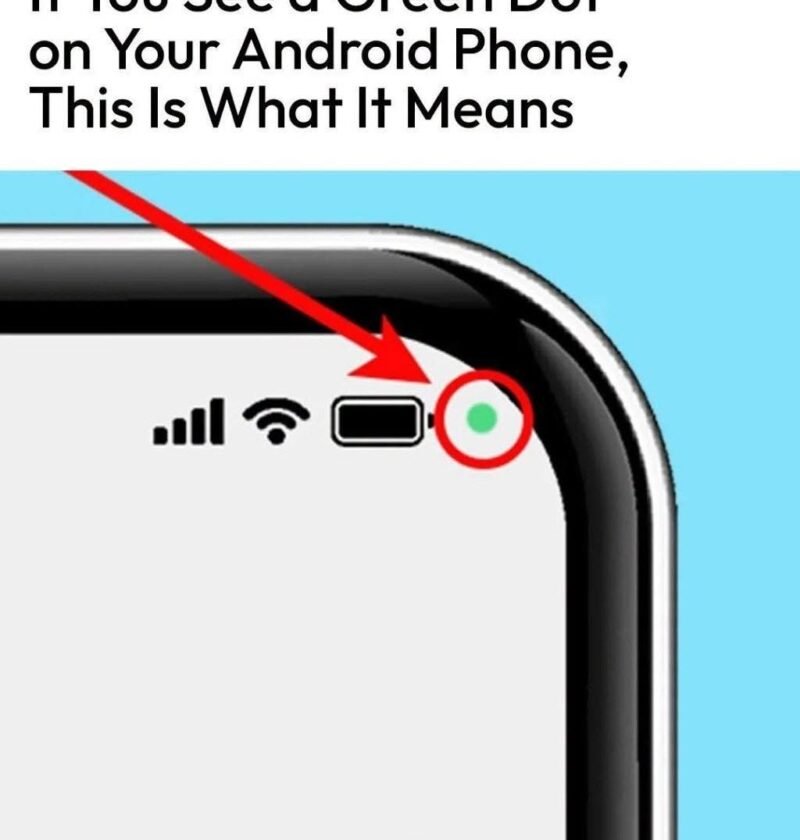
Viral tech tips and clickbait articles love to frame completely standard smartphone features as mysterious, top-secret alerts, screaming headlines like “That scary green dot on your Android means you’re being watched!” to trigger privacy panic.
In reality, that green dot isn’t a sign of malware, a glitch, or a hidden surveillance camera. It is actually a built-in privacy indicator designed to keep you informed and in control of your device.
Here is what Android’s green dot actually means, why it’s there, and what you need to know:
What Is the Green Dot?
Introduced by Google as a core privacy feature (mirroring a similar feature on Apple’s iOS), the green dot appears in the top-right corner of your screen whenever an app is actively using your phone’s camera.
-
The Orange/Amber Dot: You might occasionally see an orange or amber dot instead. That indicates an app is currently using your microphone.
-
Transparency at a Glance: Before this feature existed, apps could access your camera or mic in the background without your knowledge. The dot ensures that the moment a lens or microphone activates, you see it instantly.
How to Check Which App Is Using It
If you see the green dot and want to know which app is triggering it, you don’t need to guess:
-
Simply swipe down from the top of your screen to open your Quick Settings notification shade.
-
At the very top, you will see a small camera or microphone icon.
-
Tap that icon, and a pop-up will instantly tell you exactly which app is currently accessing your hardware (for example, telling you Instagram or Zoom is using the camera).
What to Do If You See It Unexpectedly
-
If you are actively using an app that needs the camera (like taking a photo, scanning a QR code, or on a video call), the dot is supposed to be there. You can safely ignore it.
-
If you are on your home screen or using an app that has no business taking photos and you see the green dot, an app may be running background processes or misbehaving. You can go into your Android Settings > Privacy > Permission Manager, check which apps have camera access, and revoke permissions for any app you don’t trust or use.
The Bottom Line
Far from being a confusing or terrifying glitch, the green dot is one of the best transparency tools built into modern smartphones. It puts you in the driver’s seat, ensuring that no app can use your camera in secret.